Offline AI image generator · Mac and Windows
A local AI image generator for your Mac or PC.
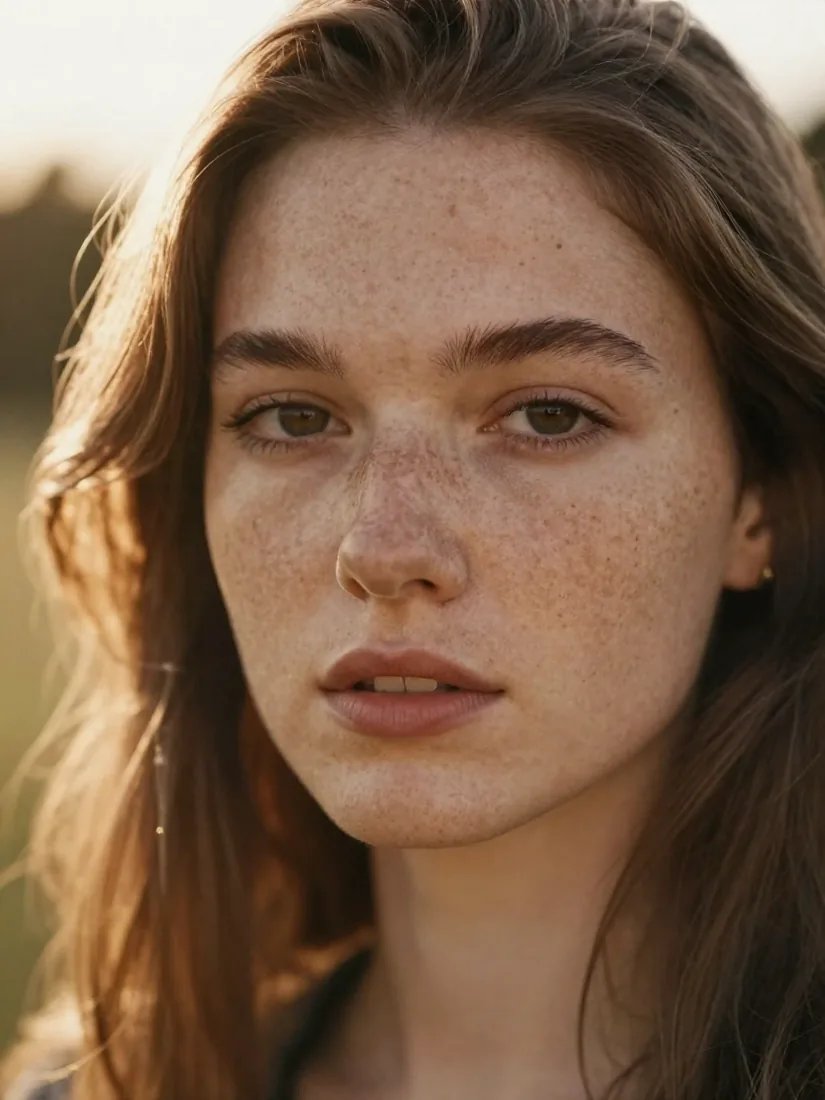
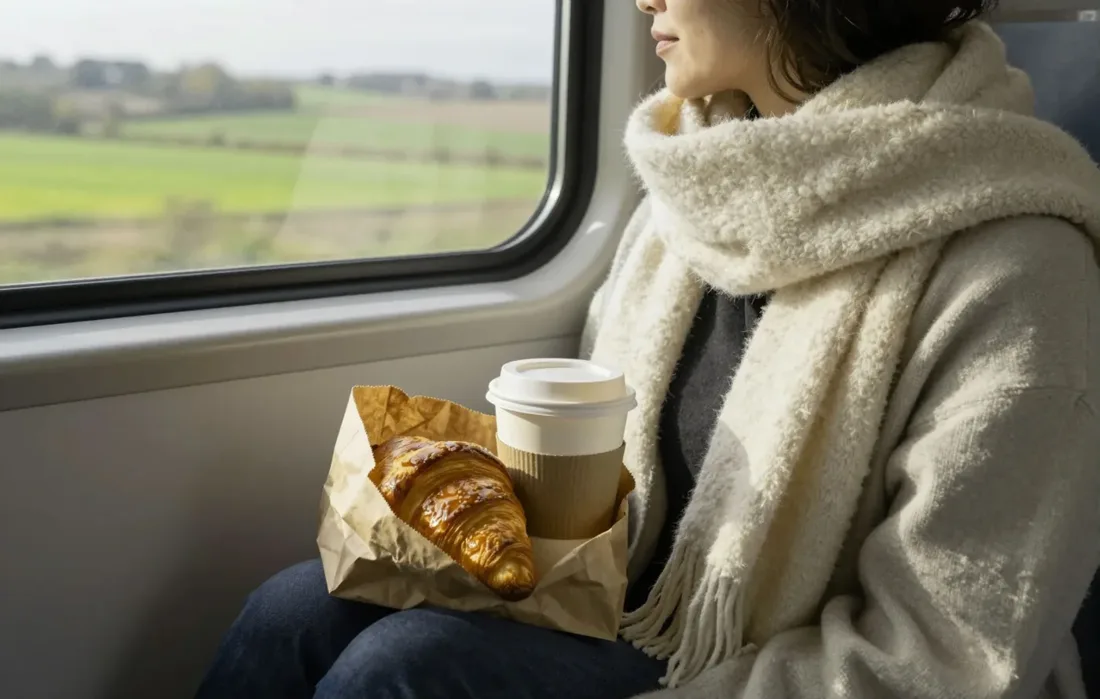
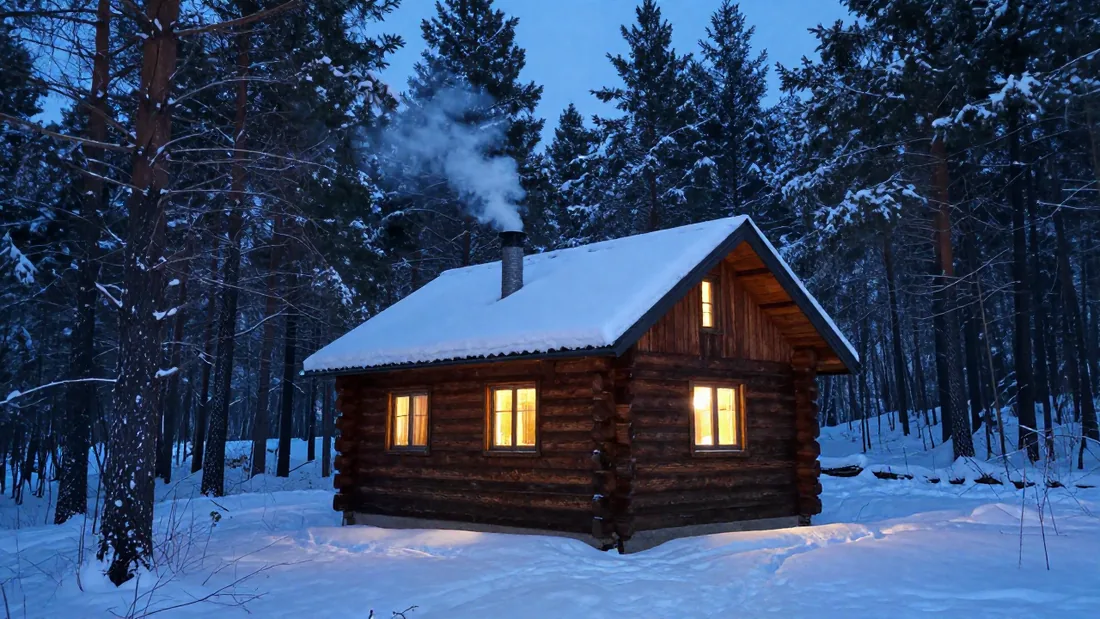
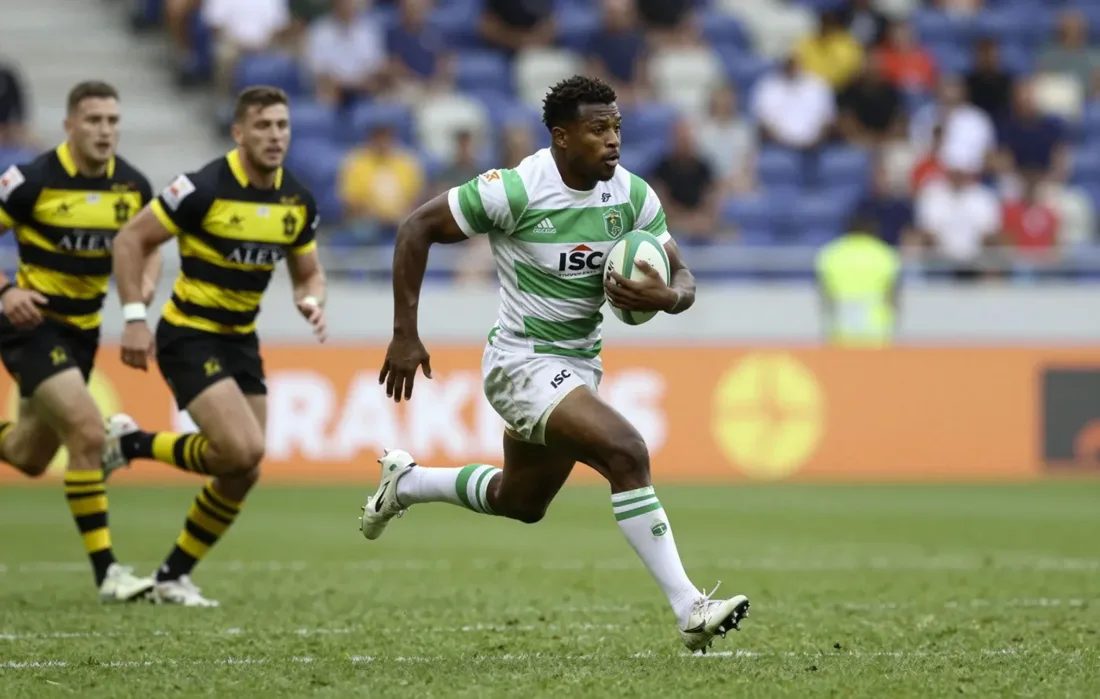
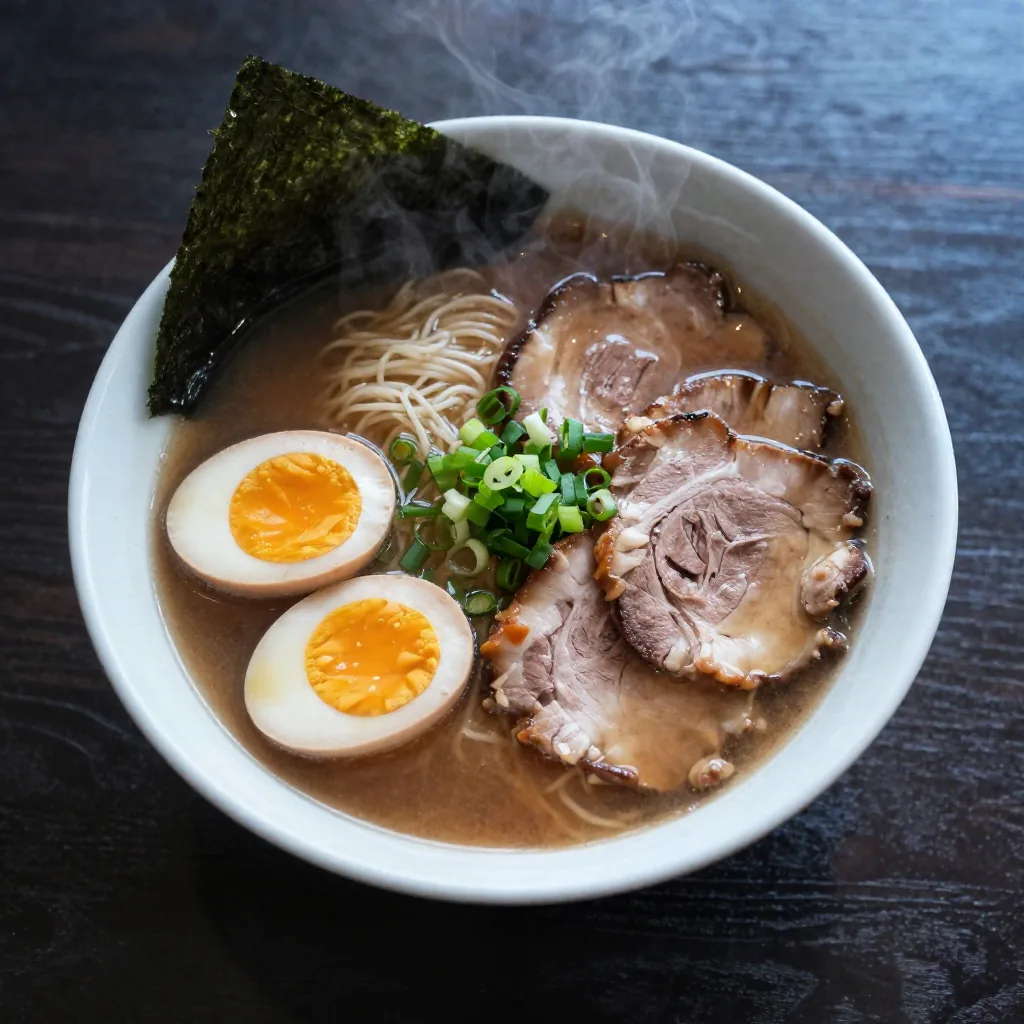
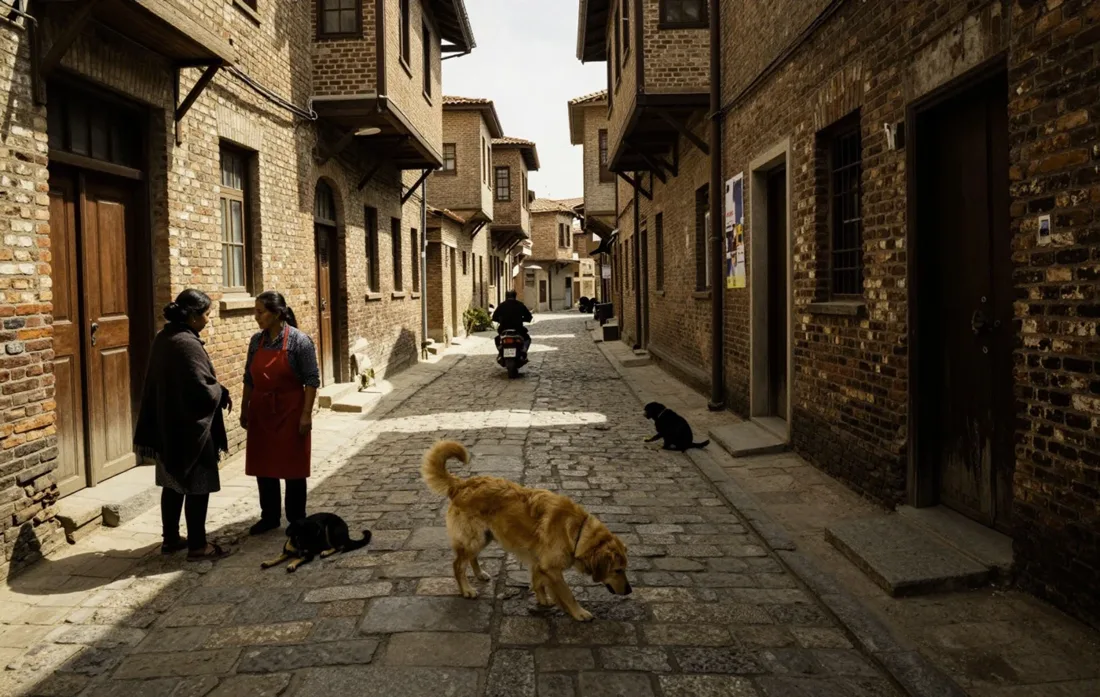
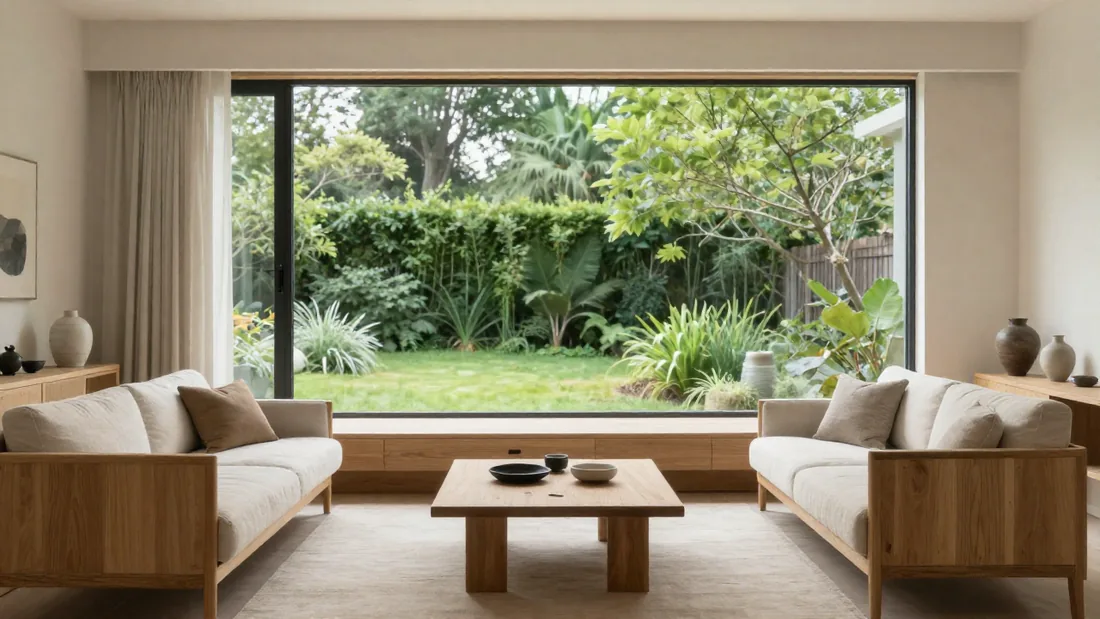
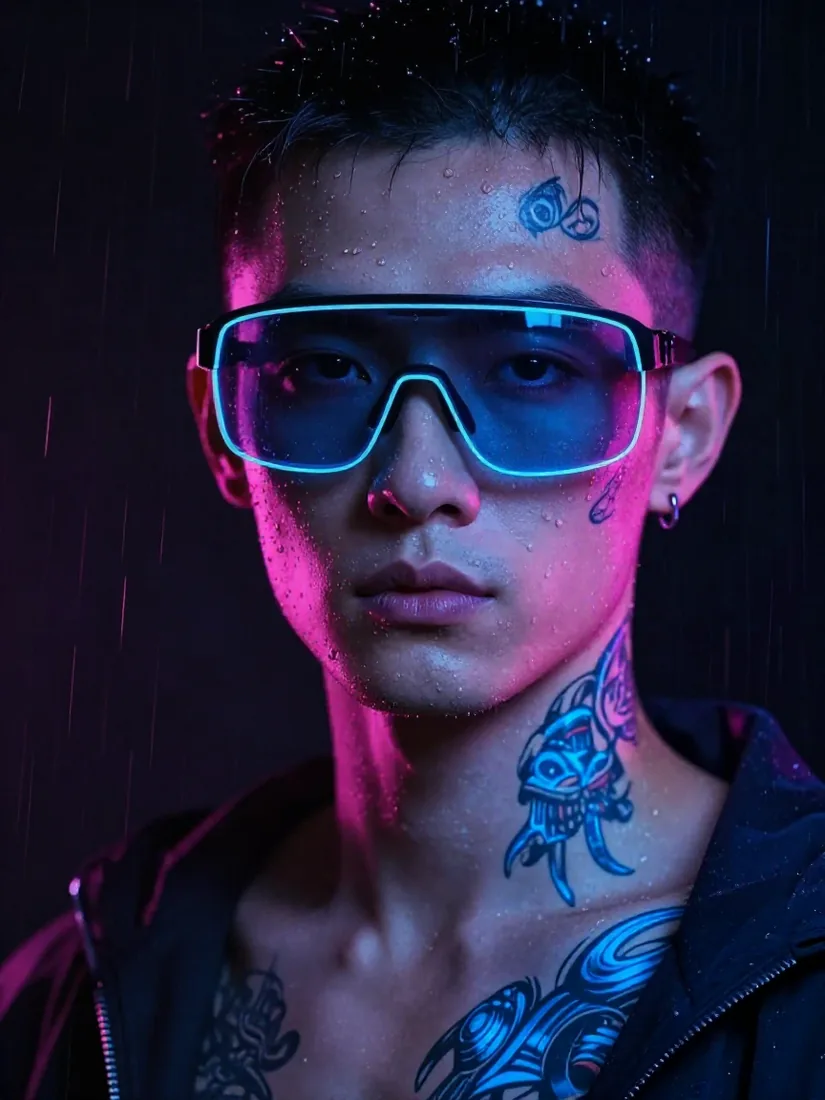
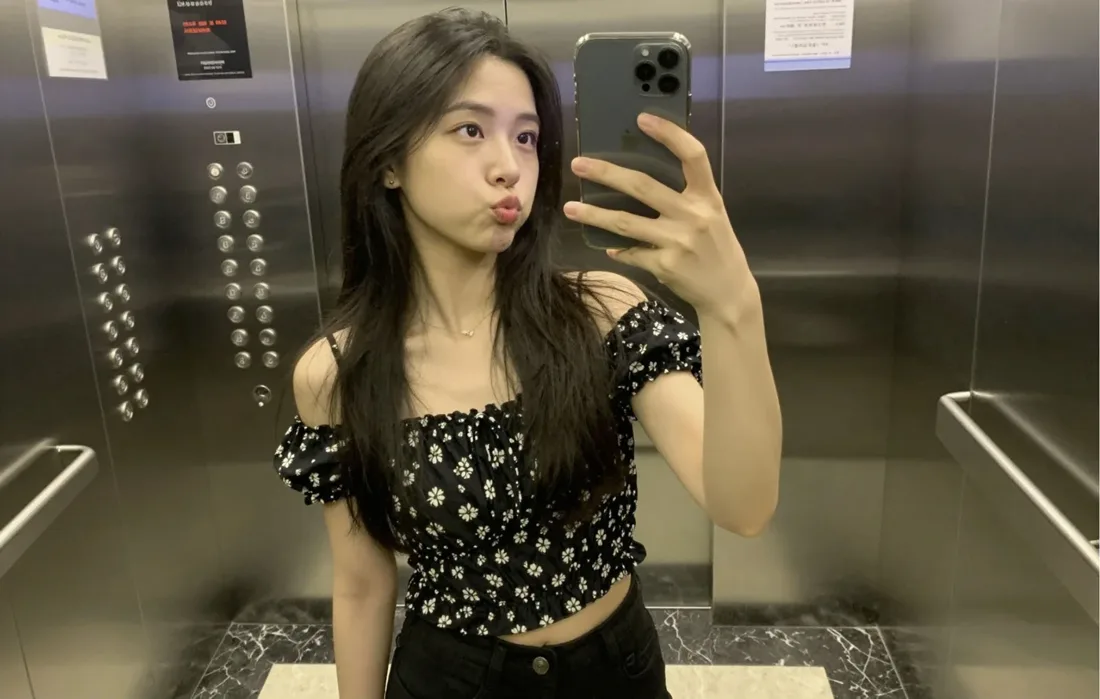
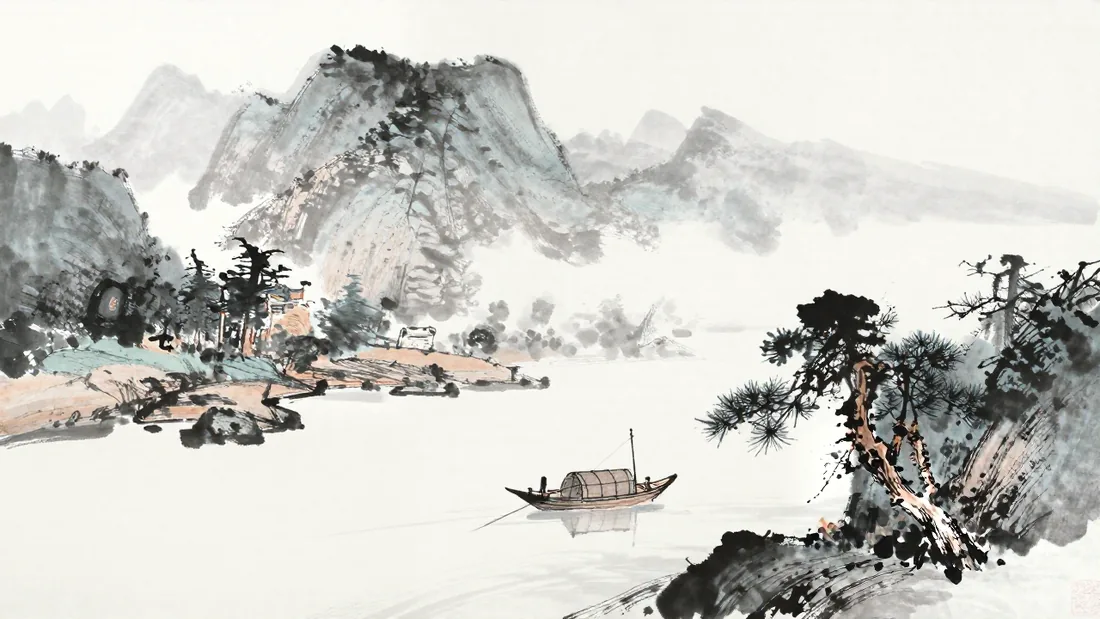
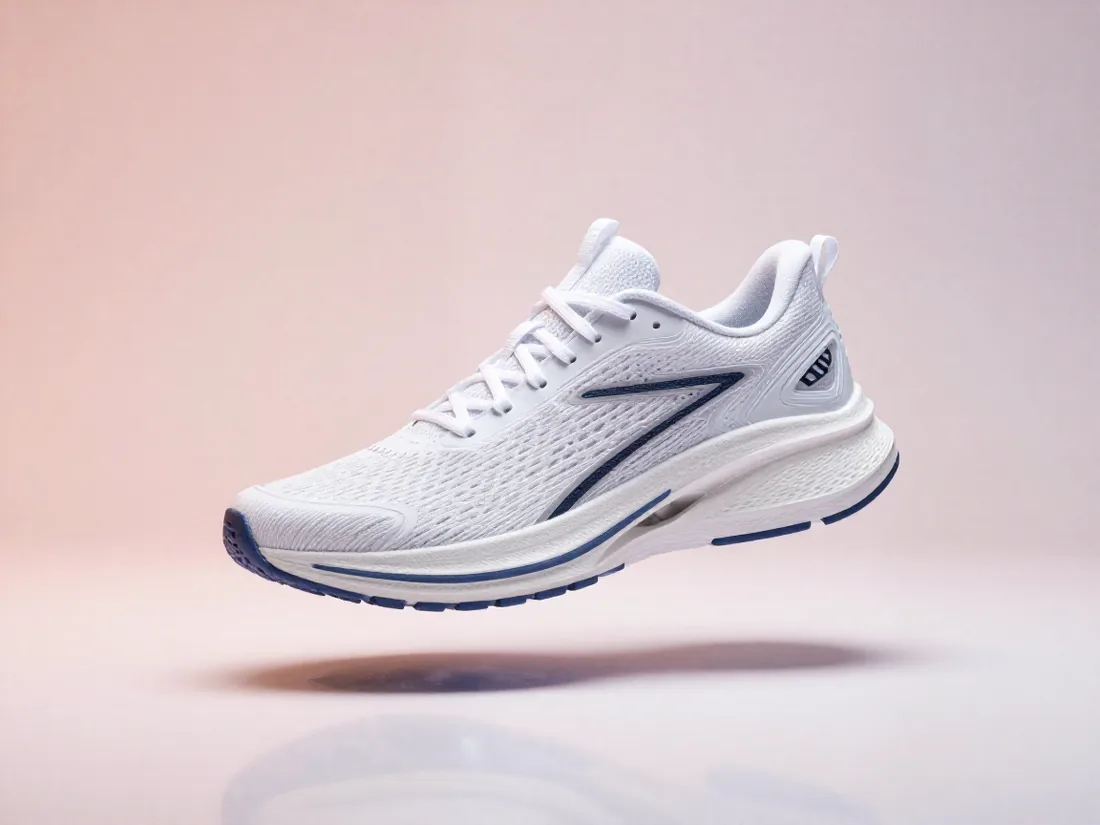
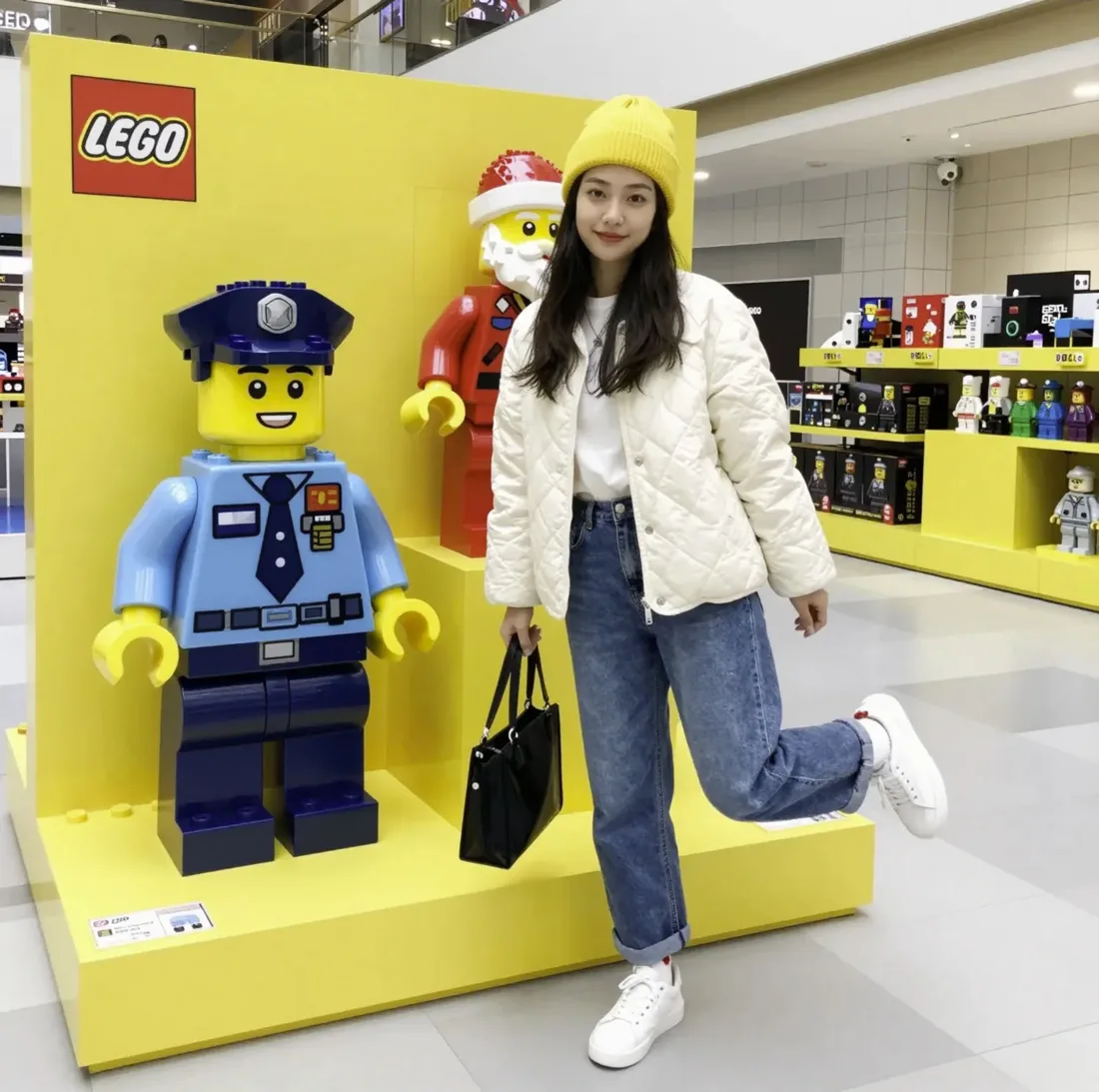
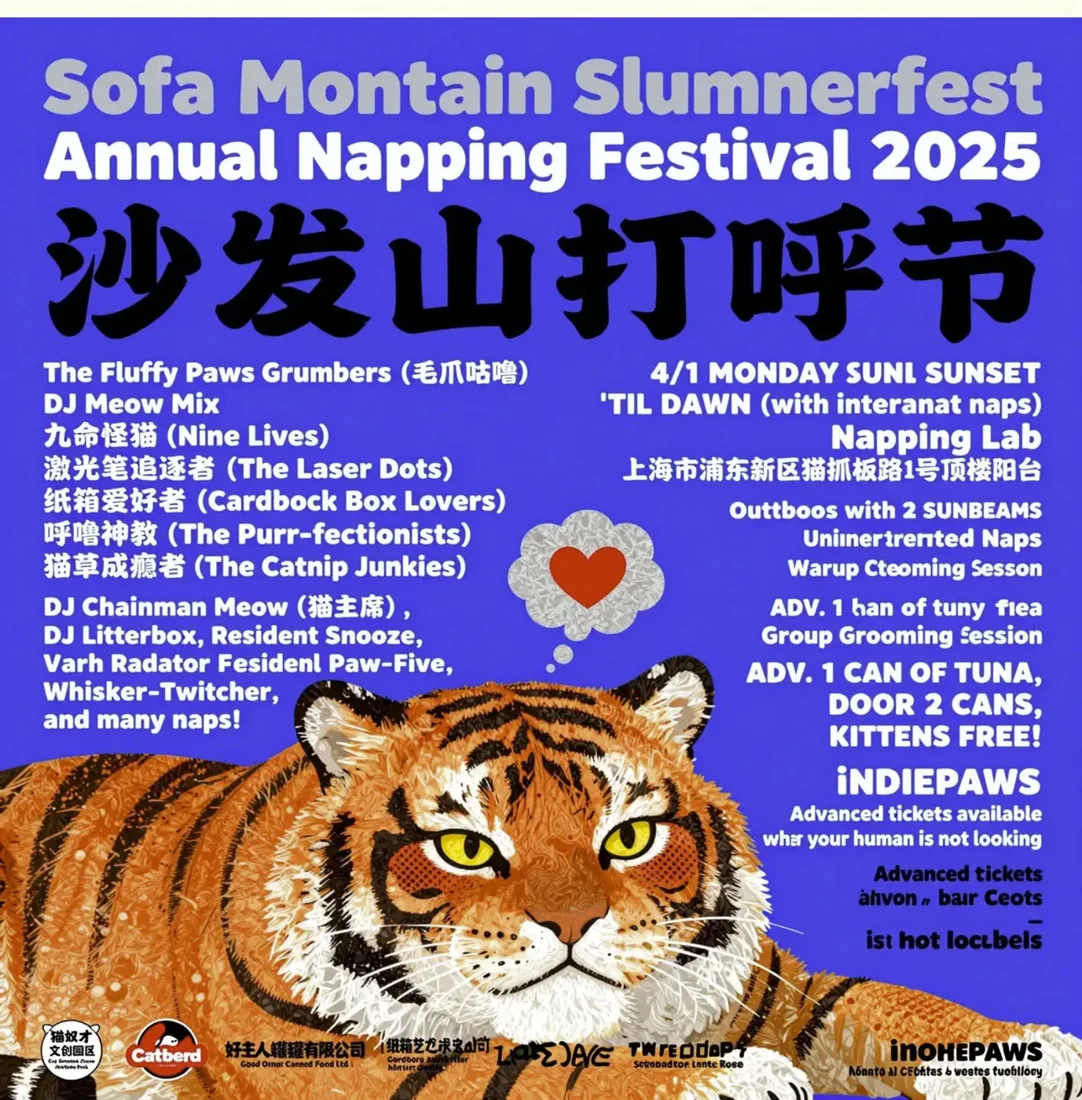
Describe a picture in a sentence and get a finished image in under a minute, fully offline. Z-Image-Turbo and FLUX.2 klein run on your own computer: posters with correct lettering, photoreal portraits, product shots, ink wash and anime. No cloud, no credits.
- 100% offline
- No subscription or credits
- Mac and Windows
- Open source




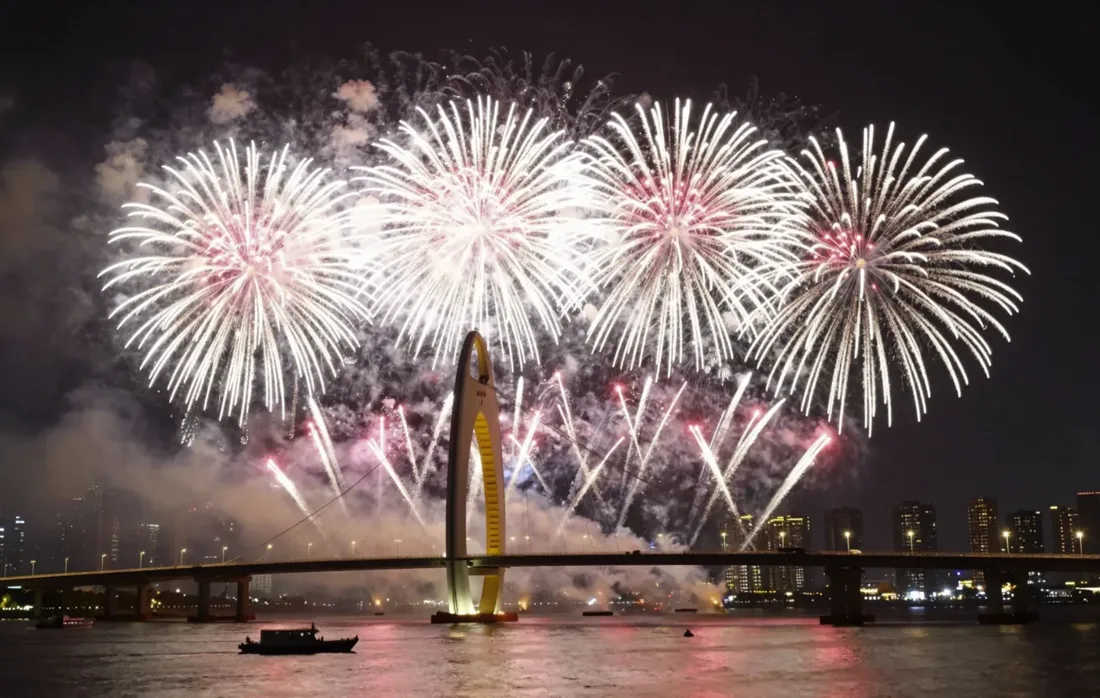
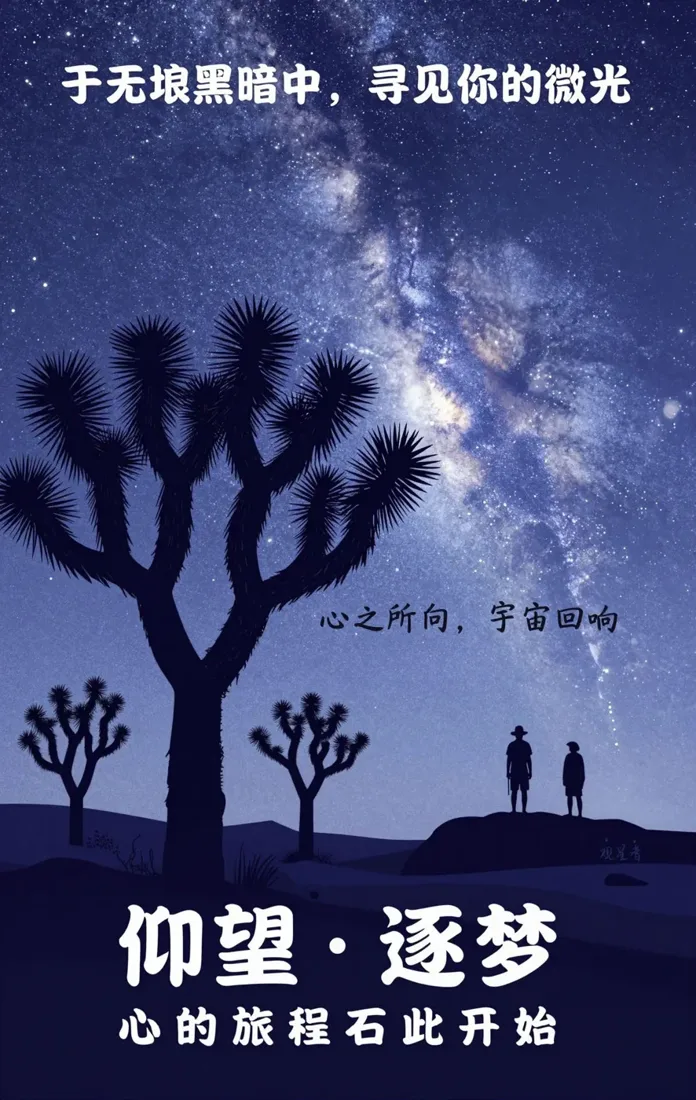

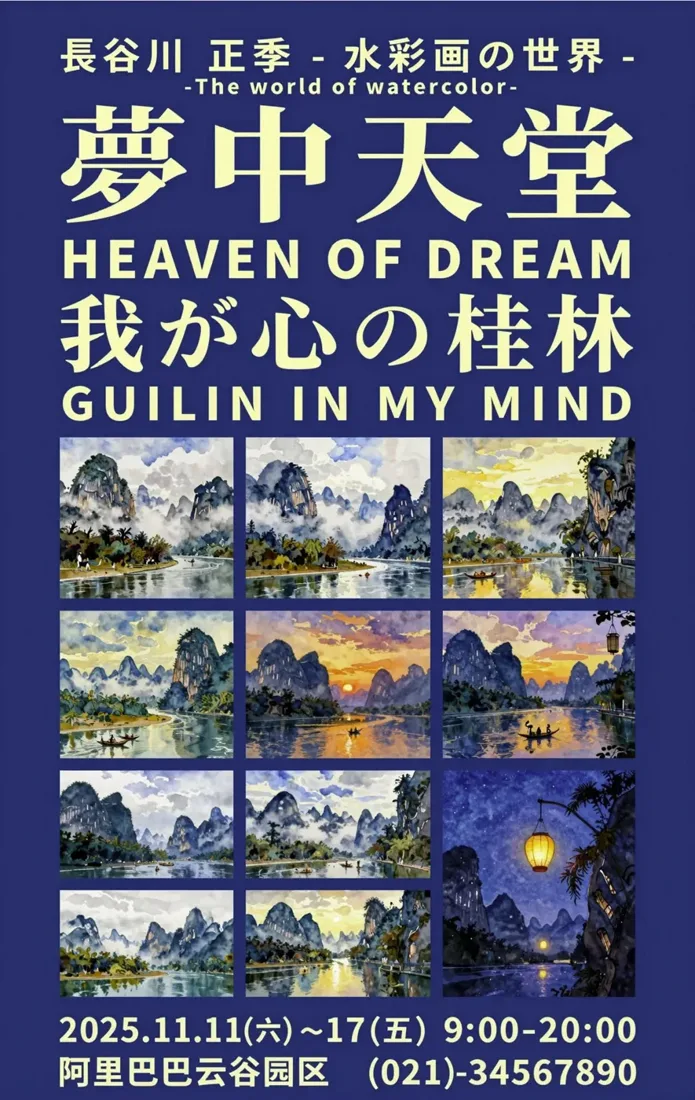

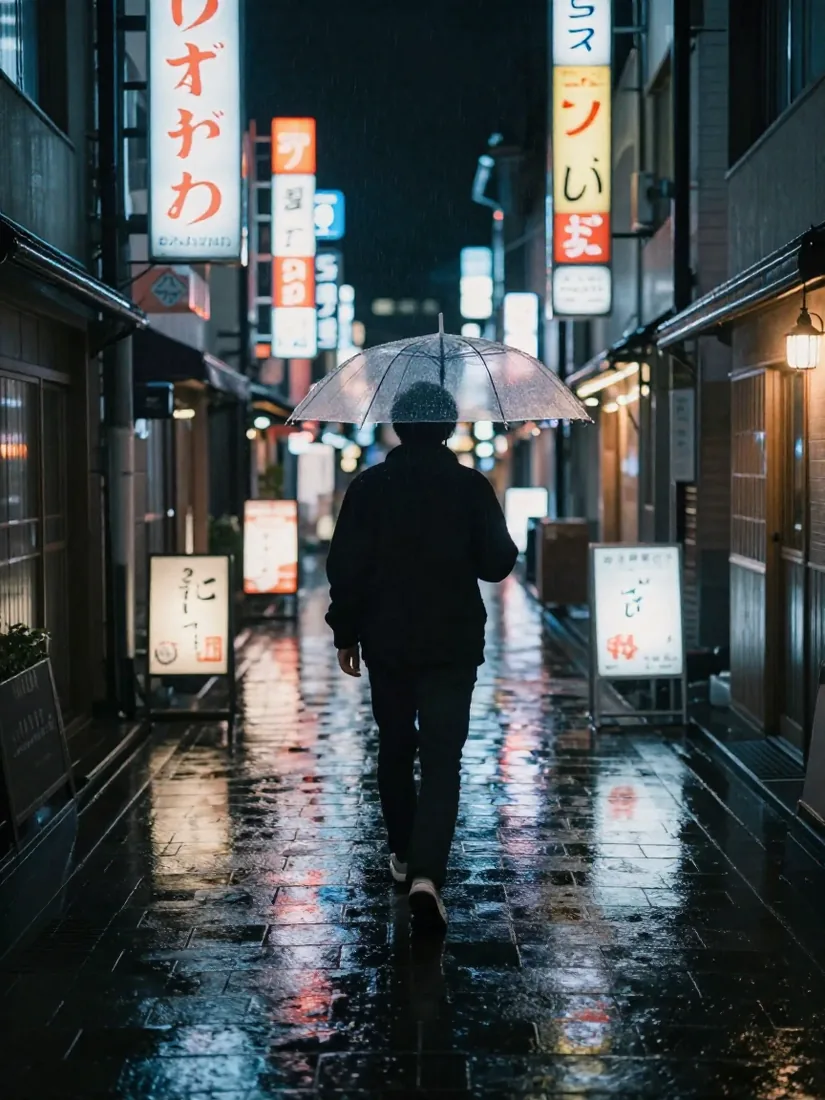







A simple app that does one thing well
Gallery
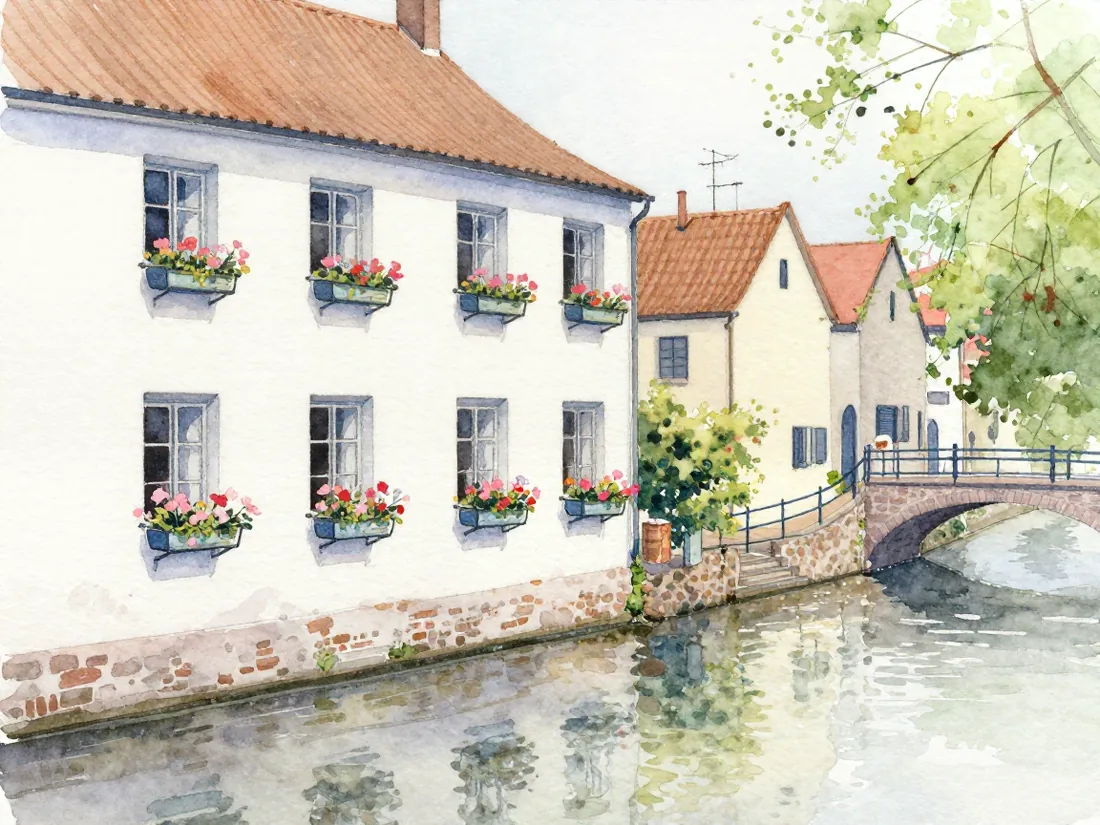
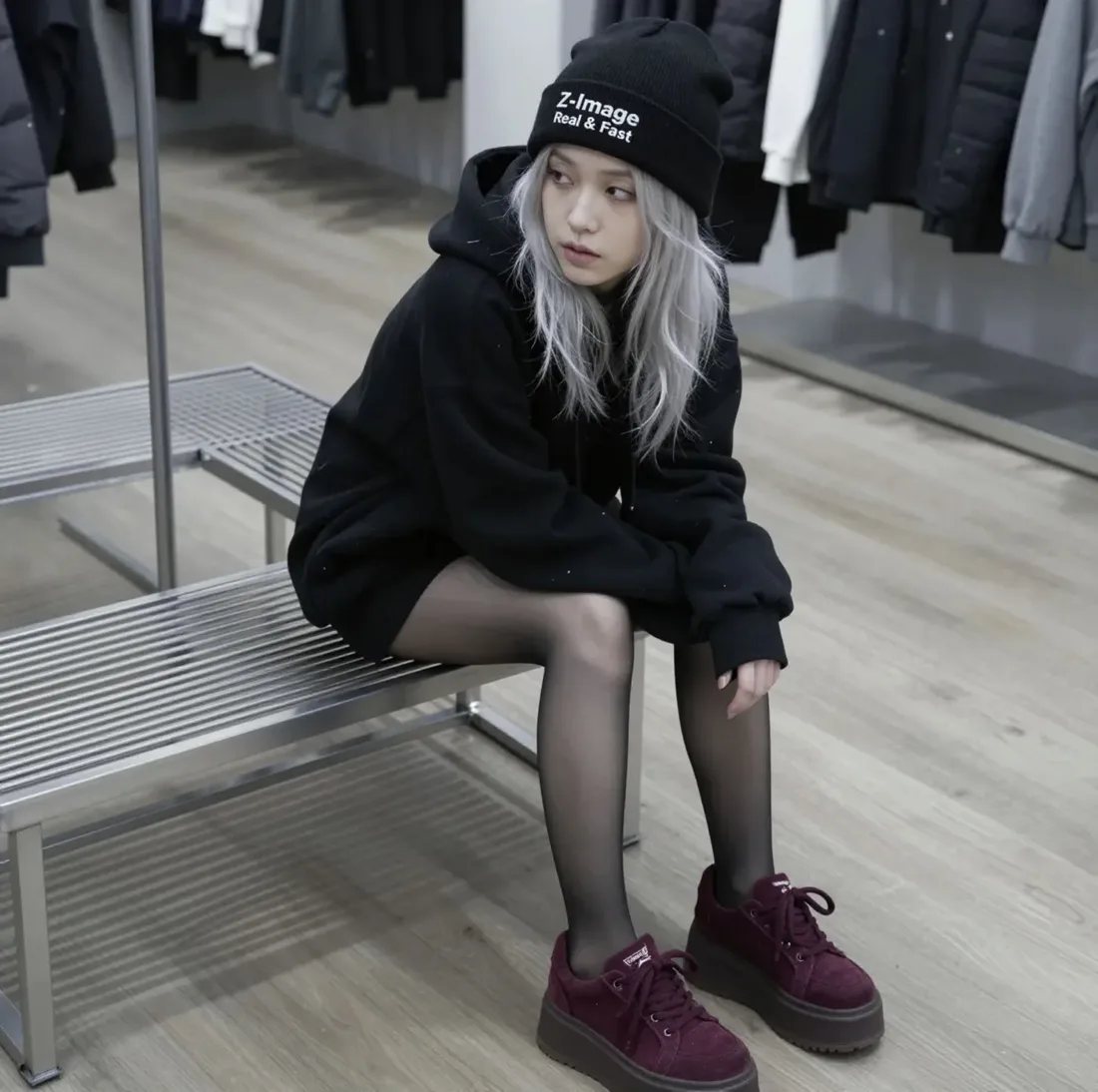
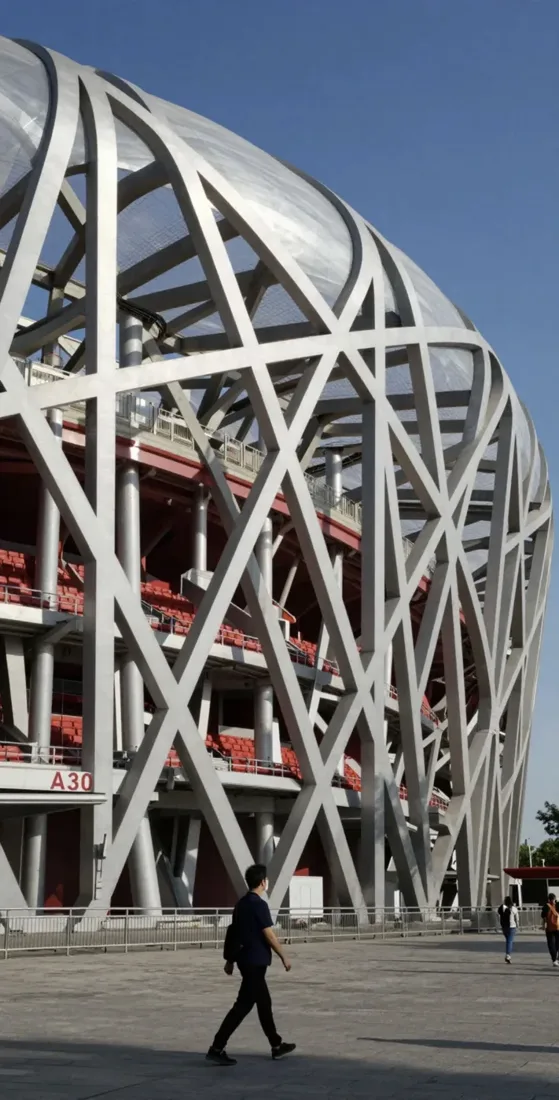
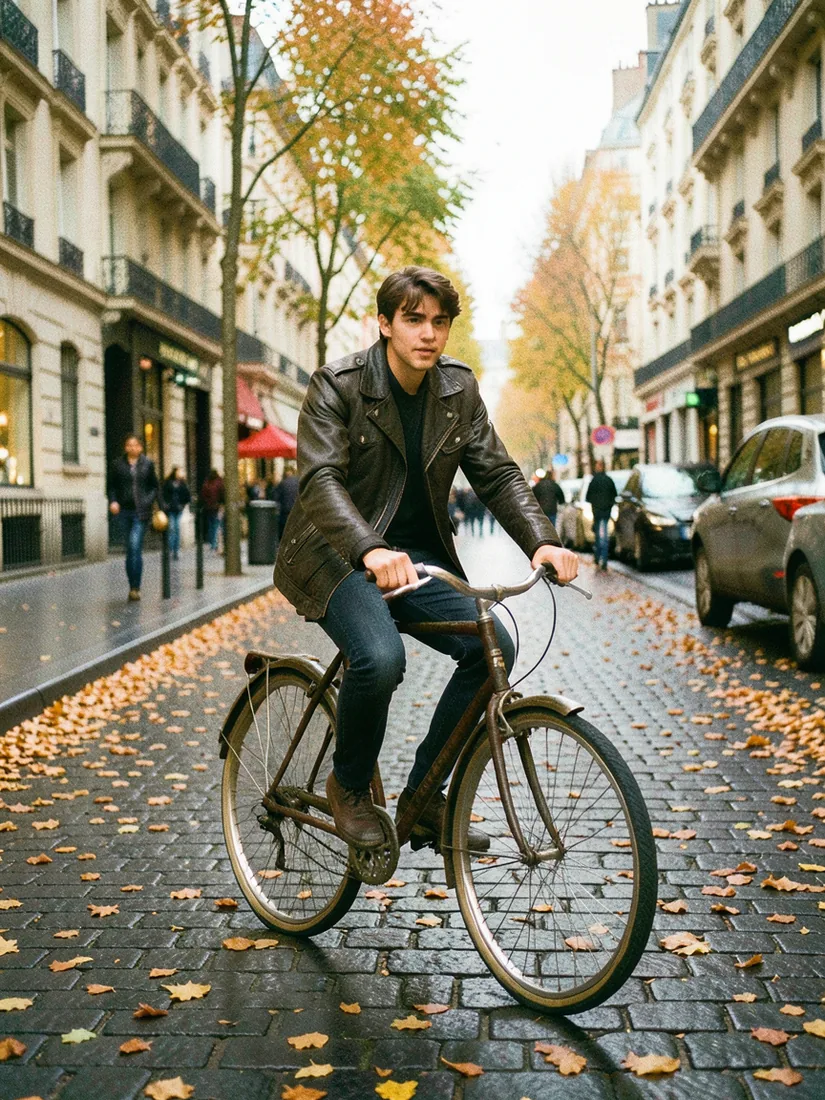
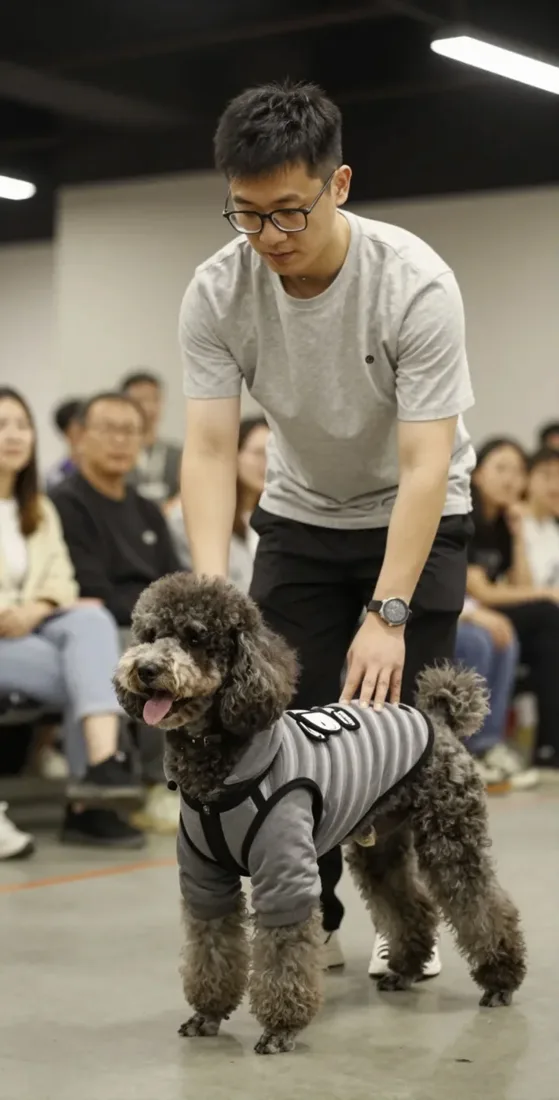
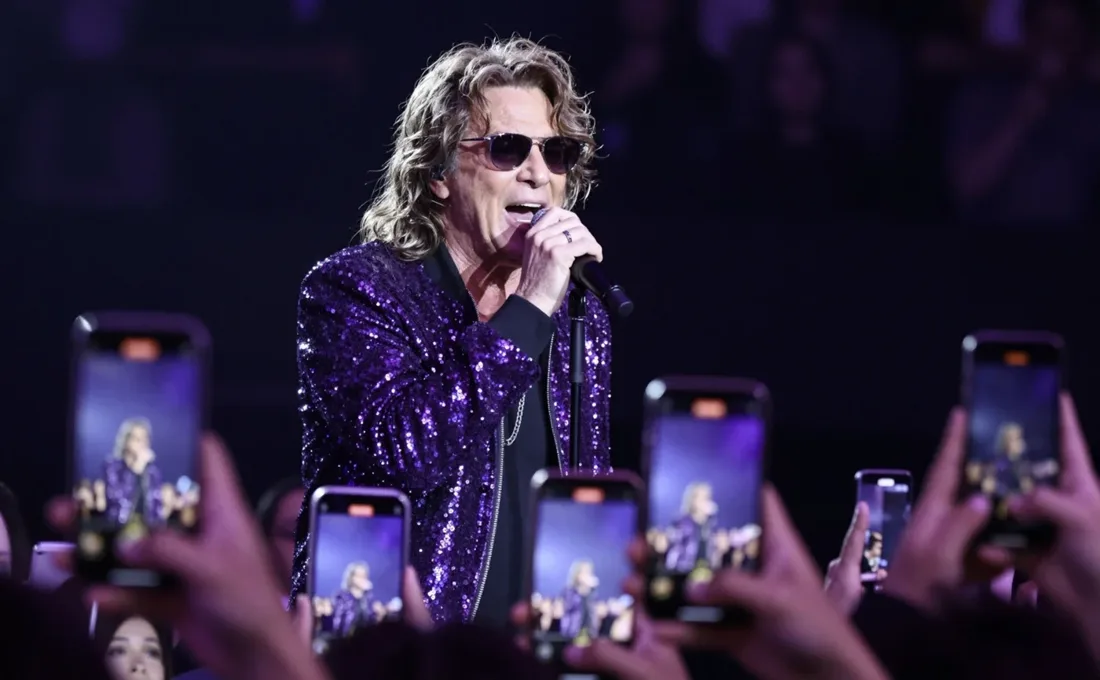
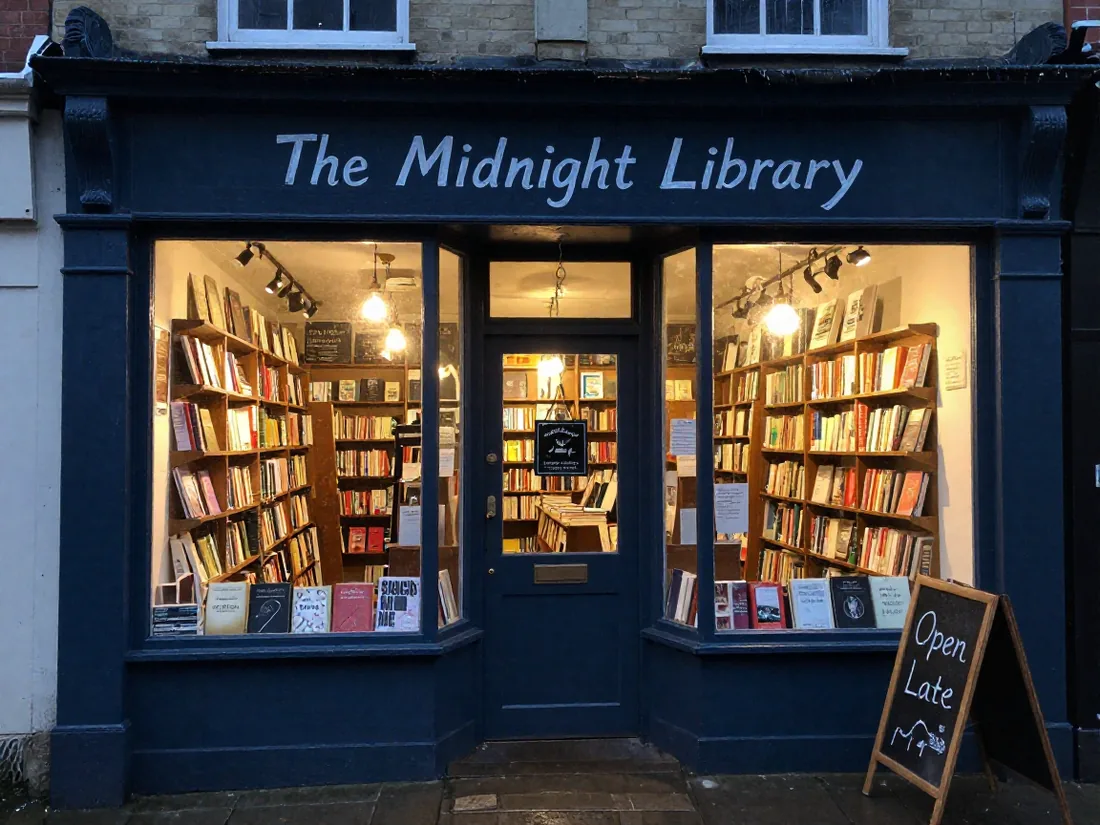
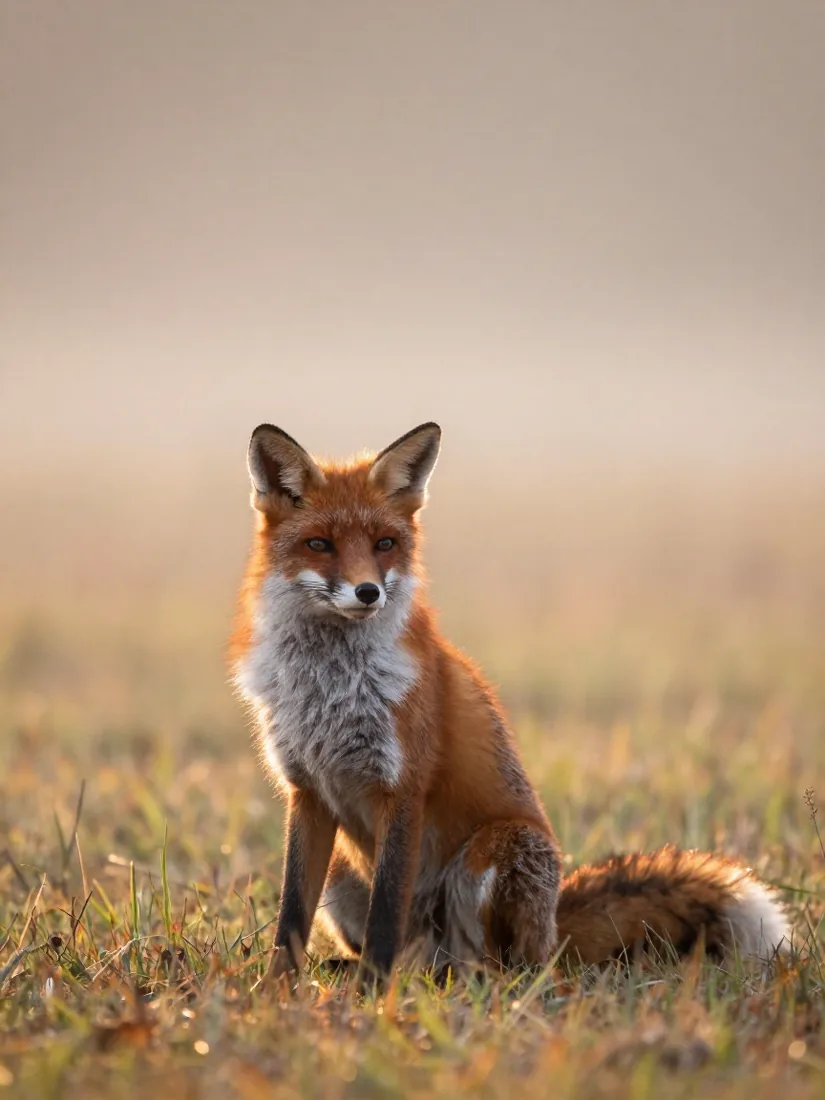
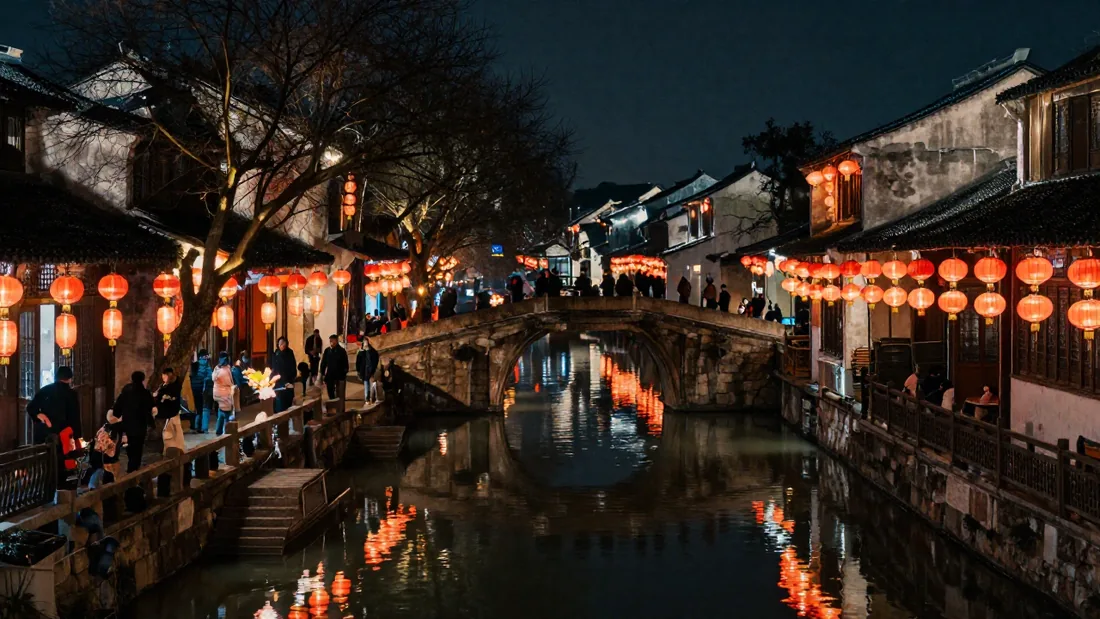
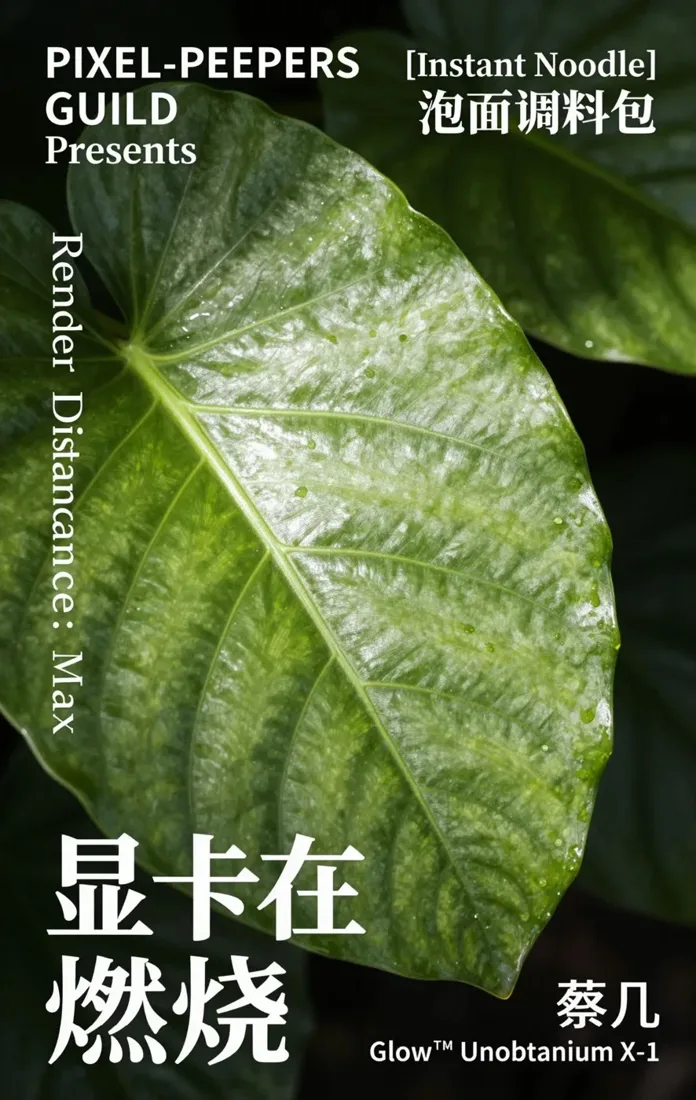
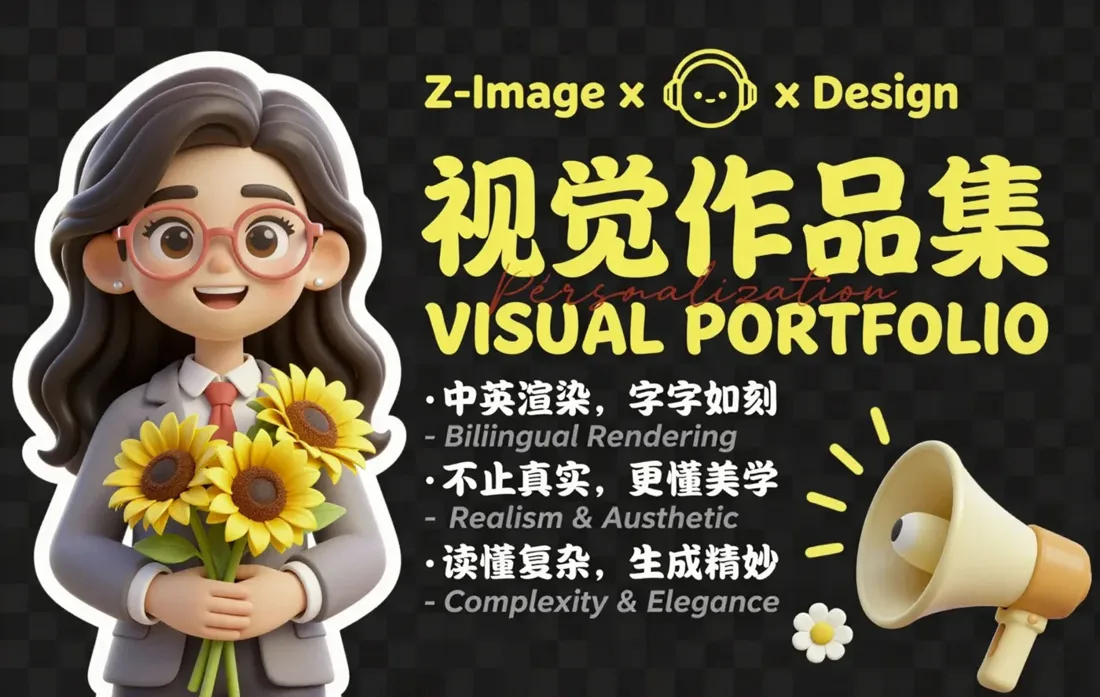
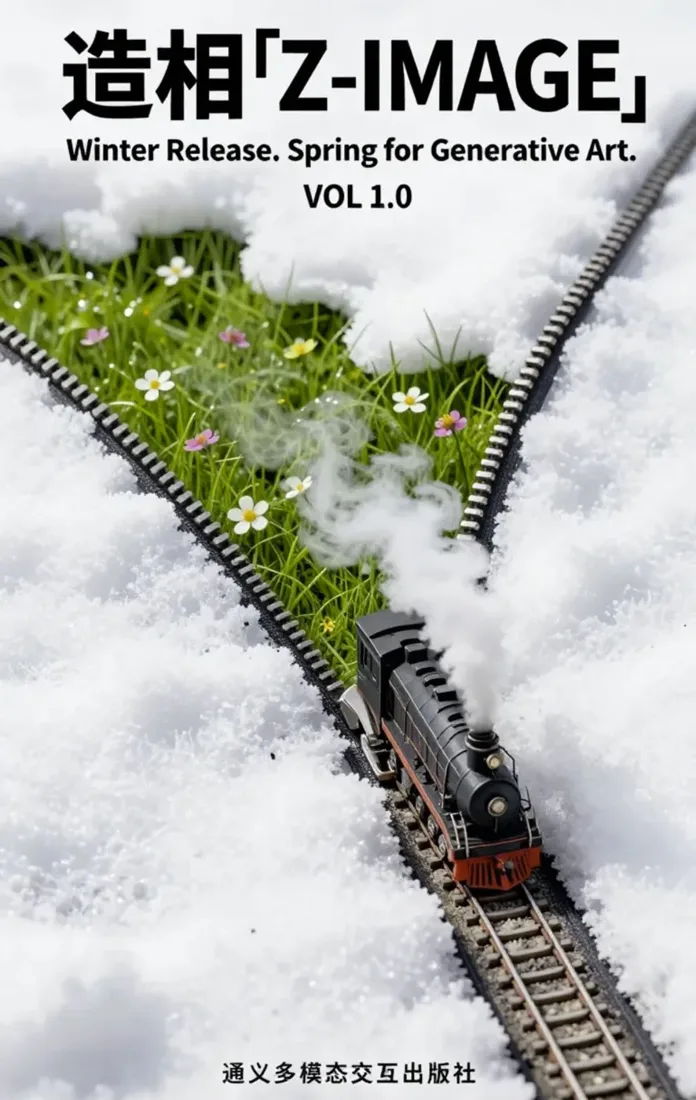
Made on a laptop, from one sentence.
Generated locally from one-line prompts; hover to see the prompt. Official model samples are marked.
Edit with words
Change a picture by saying what you want.
Upload any image and describe the change; FLUX.2 klein does the edit on your computer. Swap the season, restyle it, or rewrite the text on a sign.
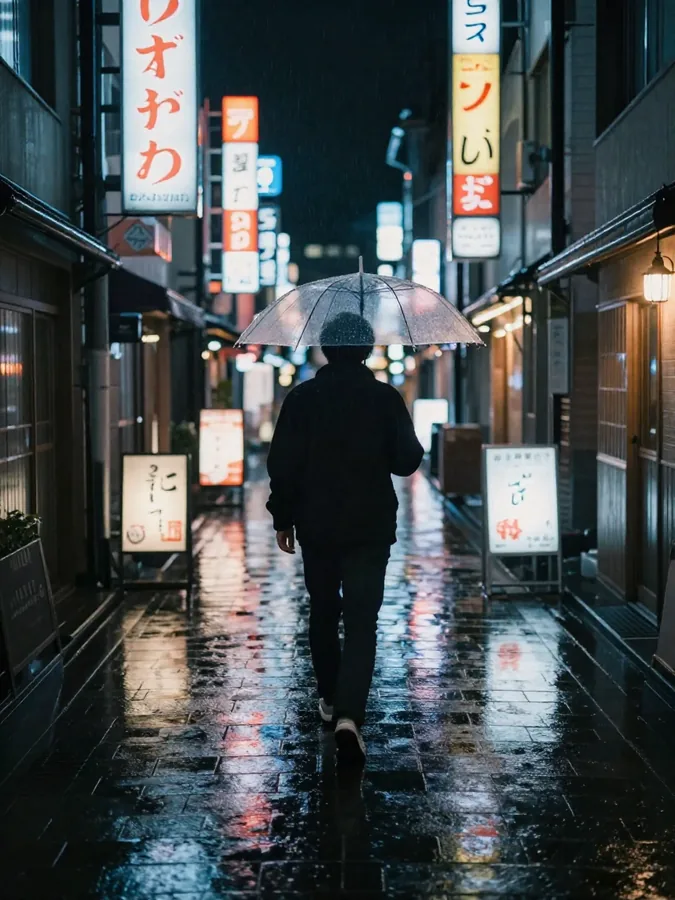 Before
 After
After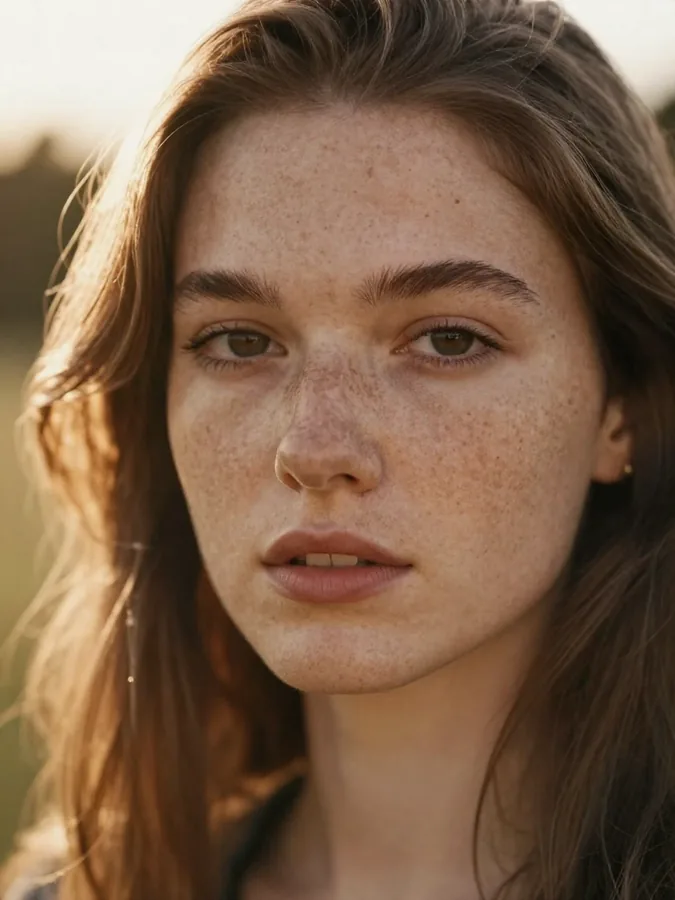 Before
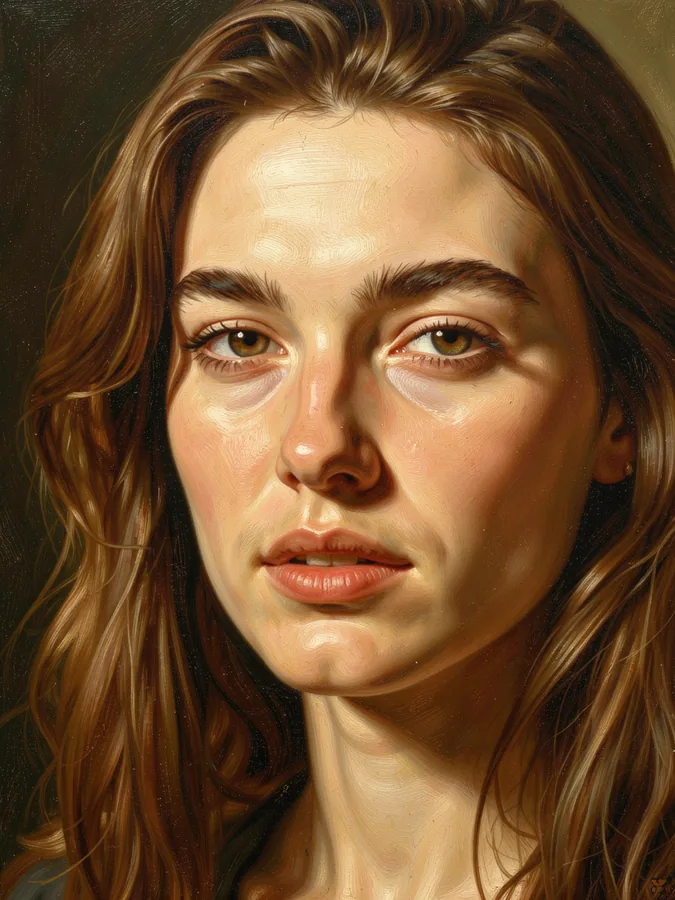 After
After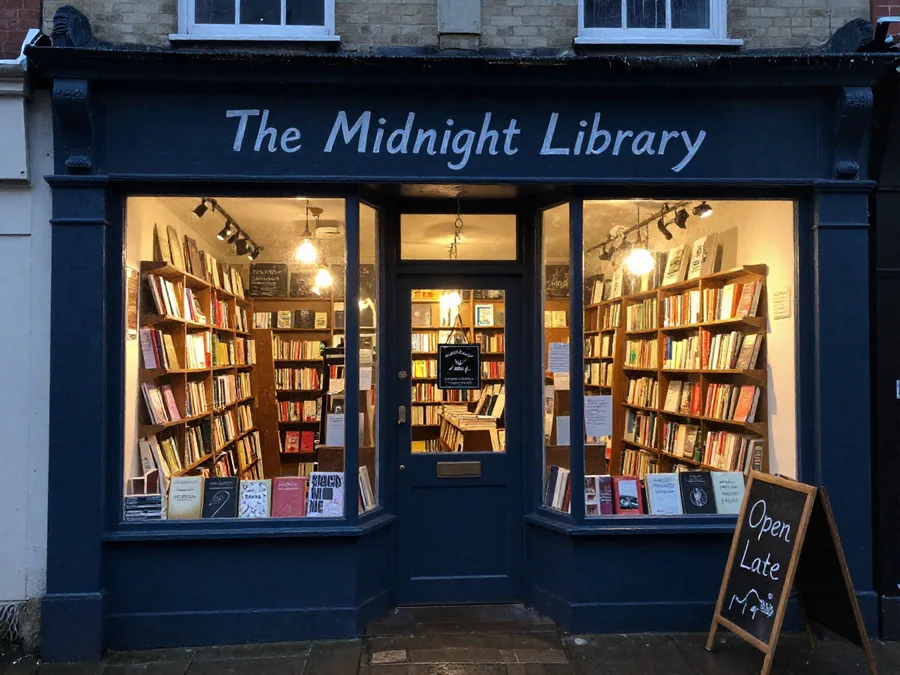 Before
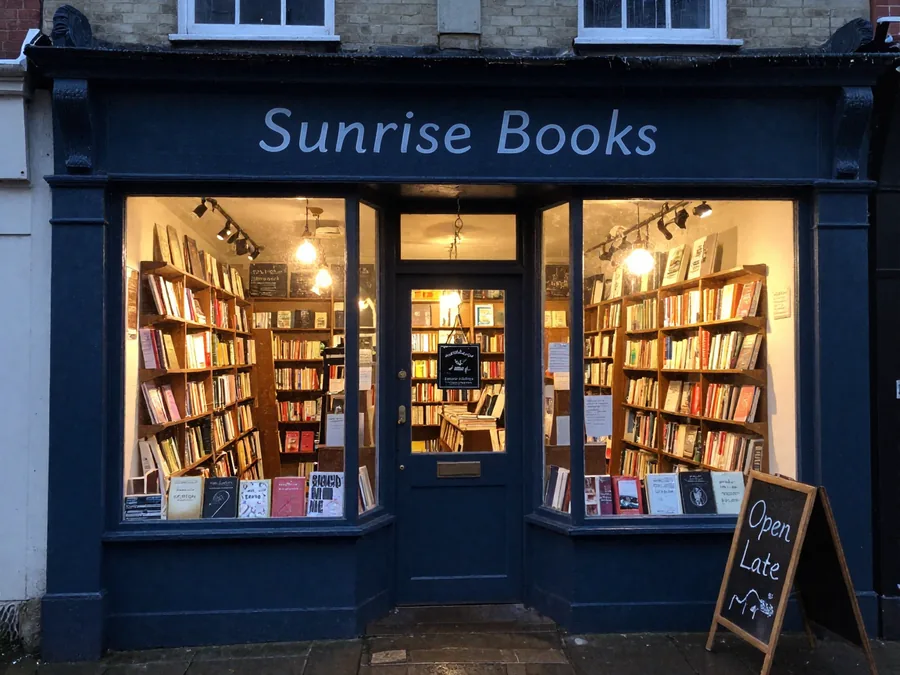 After
After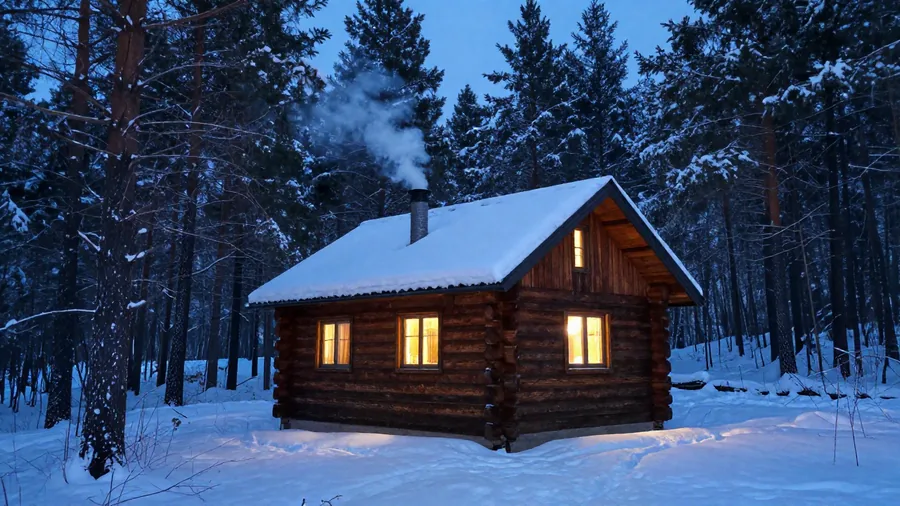 Before
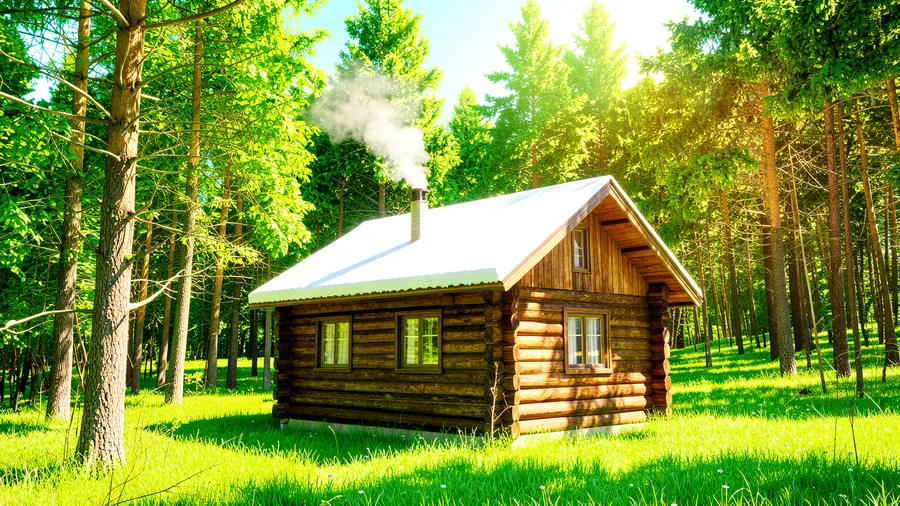 After
AfterModels
Z-Image-Turbo and FLUX.2 klein, running locally.
Switch models per task inside the app. Each one downloads once and runs offline: MLX on a Mac, stable-diffusion.cpp with Vulkan on Windows.
Z-Image-Turbo
RecommendedFine detail and the most accurate Chinese and English lettering. Best all-rounder.
about 40 s per image · 5.5 GB · Apache-2.0
FLUX.2 klein 4B
The fastest option for quick drafts and ideas. Also edits images on 16 GB computers.
about 15 s per image · 4.3 GB · Apache-2.0
FLUX.2 klein 9B
Richer texture and the most accurate edits. Needs 24 GB of memory.
about 40 s per image · 8.9 GB · non-commercial
Why make images locally?
Unlimited
No credits or daily limits. Generate as many variations as you like.
Private
Your prompts and photos never leave your computer.
Text that reads right
Posters and signs come out with correct Chinese and English lettering.
Edit by instruction
Change seasons, styles or sign text with one sentence.
Runs on 16 GB
Tuned for everyday Apple Silicon Macs and Windows PCs with a modern GPU.
One click to start
Pick an example and it starts generating. No settings to learn.
Three steps.
- 01
Download
Get the installer for macOS or Windows.
- 02
Pick a model
The app suggests models that fit your computer and downloads them for you.
- 03
Create offline
Type an idea or click an example. Results stay on your disk.
Frequently asked questions
How fast is it?+
About 40 seconds per 1-megapixel image with Z-Image-Turbo on an Apple Silicon Mac, and about 15 seconds with FLUX.2 klein 4B.
Can I run Stable Diffusion locally with this, on a Mac or Windows?+
Not the classic Stable Diffusion checkpoints, and it is not an SD WebUI. It runs newer open models, Z-Image-Turbo, FLUX.2 klein and Qwen-Image 2.1 Turbo, with the same local, offline workflow. On Windows the engine is stable-diffusion.cpp with Vulkan; on a Mac it is MLX, built for Apple Silicon. No Python, no WebUI, no checkpoint files to manage.
What are FLUX.2 klein and Z-Image-Turbo?+
Two recent open image models. Z-Image-Turbo is a fast text-to-image model with the most accurate Chinese and English lettering. FLUX.2 klein, from Black Forest Labs, comes in 4B and 9B sizes and both generates images and edits an uploaded picture from one sentence.
What Mac or PC do I need?+
An Apple Silicon Mac with 16 GB of memory runs Z-Image-Turbo and FLUX.2 klein 4B; klein 9B needs 24 GB, and Qwen-Image 2.1 Turbo is recommended from 32 GB. On Windows 10/11 (x64) you need a GPU with Vulkan support and a recent driver. The app suggests the models that fit your computer.
Can I use the images commercially?+
Z-Image-Turbo and FLUX.2 klein 4B are Apache-2.0. FLUX.2 klein 9B and Qwen-Image 2.1 Turbo are non-commercial. The app labels each model.
Does it really work offline?+
Yes. After the models are downloaded once, everything runs on your computer without an internet connection. Nothing is uploaded.
Are the AI models included in the installer?+
No. The installer contains the app and its runtime. You download only the models you want from inside the app, and each one shows its license first.
Is it open source?+
Yes, the app is open source under Apache-2.0 and you can build it yourself. The ready-made installer is available through the download button.
Model guides and hardware choices
Choose the model version and runtime for your task before downloading.
Uncensored AI image generator, local
Qwen-Image 2.1 Turbo tested on a Mac: speed, quality and what uncensored changes.
Z-Image-Turbo on Mac and Windows
The fast default model: hardware, setup and prompts for text in images.
Qwen Image 2.1: local setup and hardware
Choose a workflow, inspect a recorded Mac output and check real PNG transparency.
Qwen-Image-Edit: GGUF and ComfyUI
Keep the 2509/2511 editing family separate from the new 2.1 workflow.
Best local AI image generator
Six offline apps for Mac and Windows compared, and how to choose.
DiffusionBee and Draw Things alternatives
The other ways to run AI image models on a Mac, compared.